Browser games have come a long way from simple animations and flat backgrounds. Today, a game running in an ordinary browser can feature detailed environments, dynamic lighting and thousands of moving objects. WebGPU is helping developers push those possibilities further by giving web applications a more modern way to use graphics hardware.
The change is already visible in real game engines, not just experimental demonstrations. Babylon.js, PlayCanvas and Unity have all introduced WebGPU capabilities, opening new possibilities for games that launch directly from a webpage.
Why WebGPU Matters After WebGL
WebGL made browser-based 3D gaming possible without plugins or additional software. It allowed developers to create racing games, interactive worlds and complex animations using the graphics hardware inside a computer. However, its design reflects an earlier generation of graphics programming. Rendering scenes with thousands of objects can require substantial work from the CPU, especially when issuing many individual drawing commands.
WebGPU introduces a different approach to organizing graphics operations. It gives developers more direct control over GPU resources and supports modern techniques for rendering and parallel computation. In a busy racing game, this can reduce some of the processing overhead associated with preparing frames. Developers can then spend more of their performance budget on environmental detail, animation or maintaining smooth movement during demanding sequences.
Game Engines Are Already Using the Technology
Babylon.js provides one of the clearest examples of WebGPU development in practice. The open-source 3D engine introduced WebGPU support with version 5.0 in 2022 and continues to maintain both WebGPU and WebGL rendering paths. Its online Playground allows developers to experiment with lighting, materials, particles and interactive scenes. The same project can demonstrate how modern graphics features operate directly inside a browser, without requiring a conventional game installation.
PlayCanvas offers another practical example. Its engine supports WebGPU alongside WebGL 2.0 and includes compute shaders for GPU-based calculations. Developers can build interactive environments, animated scenes and browser games while retaining a fallback for devices that lack WebGPU support. Unity has also entered this space. WebGPU became publicly available as an experimental option in Unity 6.1, and Unity announced that the backend had graduated to a fully supported feature in Unity 6.6 in August 2026. These developments give game creators several established tools for bringing more advanced graphics to the web.
What Better Graphics Actually Look Like
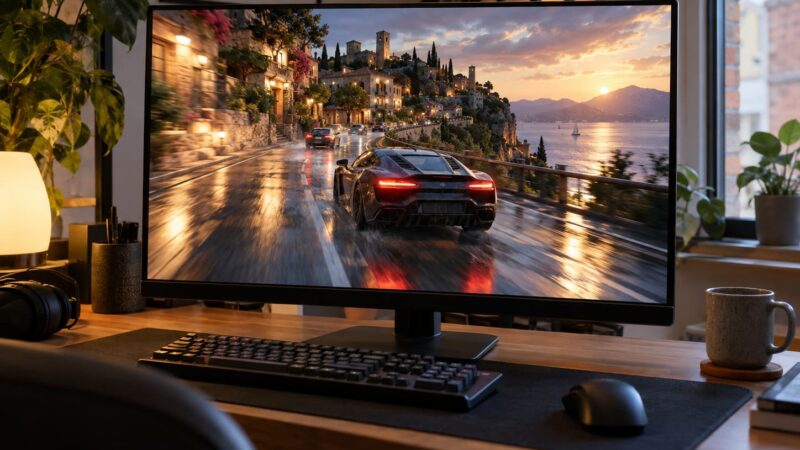
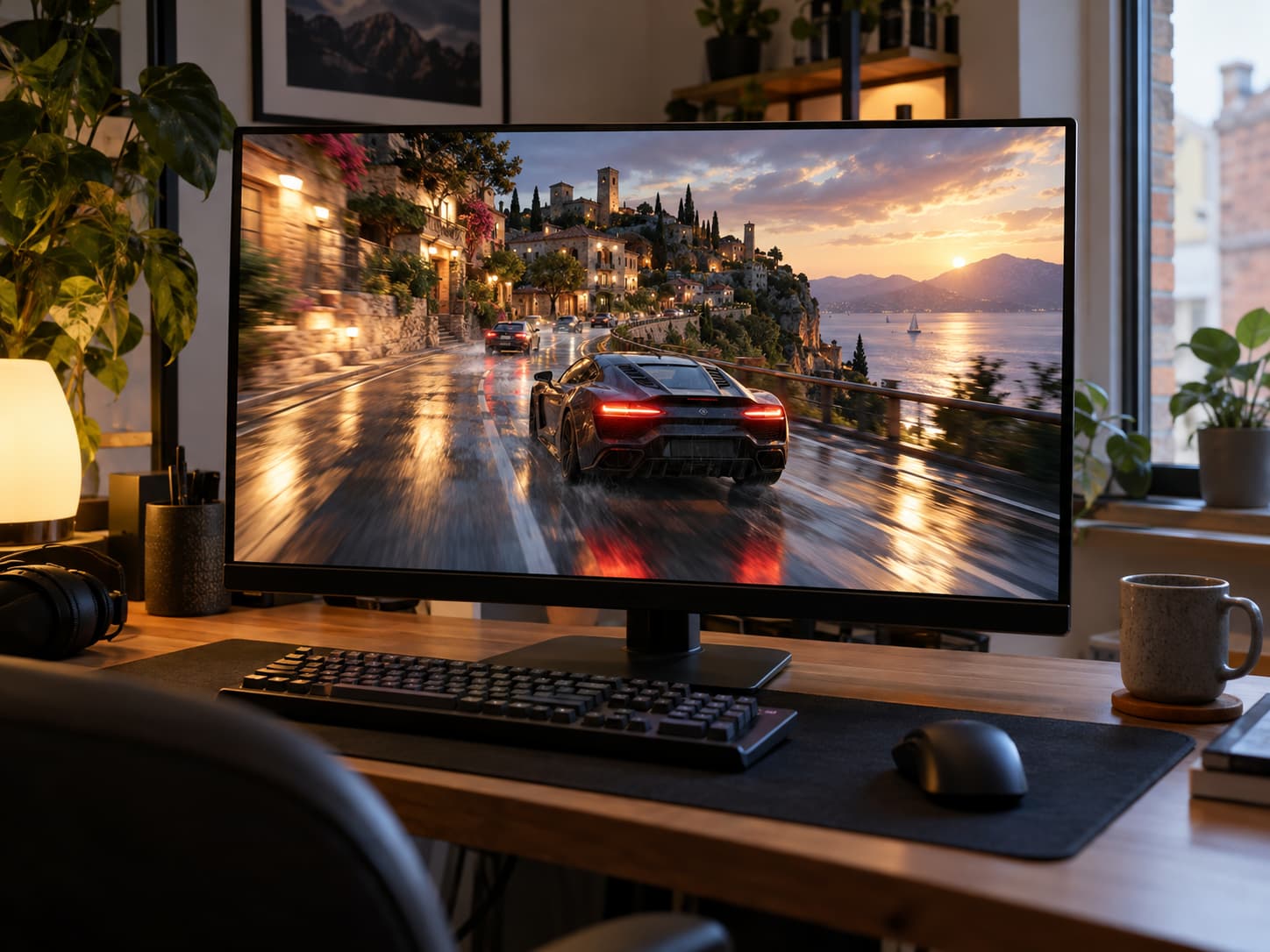
The most noticeable changes involve lighting, materials and movement. Consider a browser racing game with wet asphalt, changing weather and moving traffic. Reflections on the road, headlights passing through fog and shadows from roadside objects all contribute to a more convincing environment. WebGPU provides tools for implementing such effects more efficiently, particularly when a scene requires several rendering operations or complex shader calculations.
Not every improvement needs to be visually dramatic. A browser game may benefit from more consistent frame timing when several vehicles appear at once or when particle effects fill the screen. Maintaining a stable 60 frames per second means delivering a new frame approximately every 16.7 milliseconds. Sudden interruptions become especially noticeable in games where players must react quickly. A smoother experience can therefore matter more than adding another layer of reflections or decorative effects.
From Graphics to Physics-Based Gameplay
WebGPU also supports compute shaders, which allow certain calculations to run on the GPU. These can be useful for particle systems, animated vegetation, large groups of moving objects and simulations involving many independent elements. In a browser game, that might mean more convincing dust clouds behind a vehicle or a dense field of objects reacting to movement. Such effects previously required different techniques or placed greater demands on the CPU.
Eggy Car illustrates why smooth movement remains important even in visually simple games. Its central challenge involves driving across uneven terrain while preventing an egg from falling off the vehicle. The player constantly responds to changes in speed, slope and momentum. Eggy Car itself should not be confused with a WebGPU showcase, but its gameplay demonstrates the value of responsive controls and consistent animation. For games built around balance and timing, technical improvements are useful when they make the interaction feel more predictable.
Browser Support Is Improving, but It Is Not Identical Everywhere
Chrome introduced WebGPU in version 113 in 2023, initially supporting selected operating systems and hardware configurations. Edge followed through its Chromium foundation, while Safari introduced broader support with Safari 26. Firefox began enabling WebGPU in version 141 in July 2025, initially on Windows. Support subsequently expanded to macOS on Apple silicon in Firefox 147. Availability across other platforms has continued to develop, so the operating system matters as much as the browser version.
These differences explain why a game may run beautifully on one computer but display an error on another. Graphics drivers, hardware capabilities and browser settings can affect access to WebGPU. Some engines handle this by switching to WebGL 2.0. PlayCanvas, for example, can use WebGL when the preferred WebGPU backend is unavailable. This approach is important for browser gaming because players generally expect a game to open immediately, regardless of whether they understand its graphics technology.
How Players Can Check WebGPU Support
Players do not need programming knowledge to find out whether their browser supports WebGPU. One useful tool is webgpureport.org, which displays information about WebGPU availability and supported device features. Chrome and Edge users can also enter chrome://gpu or edge://gpu in the address bar. In the graphics feature status section, they can check whether WebGPU is hardware accelerated, unavailable or disabled.
If a WebGPU game refuses to start, the first steps are to update the browser and restart it. Chrome users can check whether graphics acceleration is enabled in the browser’s system settings. Updating graphics drivers may also resolve compatibility problems. If a game offers a WebGL mode or lower graphics settings, selecting that option is usually preferable to experimenting with unsupported browser flags. A WebGPU report showing available hardware support is useful, although it does not guarantee that every game will perform equally well.
The larger opportunity for developers is to combine richer visuals with the convenience that made browser gaming popular. Games should still load quickly, respond immediately and work on a reasonable range of devices. WebGPU makes more ambitious graphics possible, while engines such as Babylon.js, PlayCanvas and Unity are making those capabilities accessible to a wider development community. The result could be browser games that feel increasingly sophisticated without losing the simplicity of opening a link and pressing Play.